
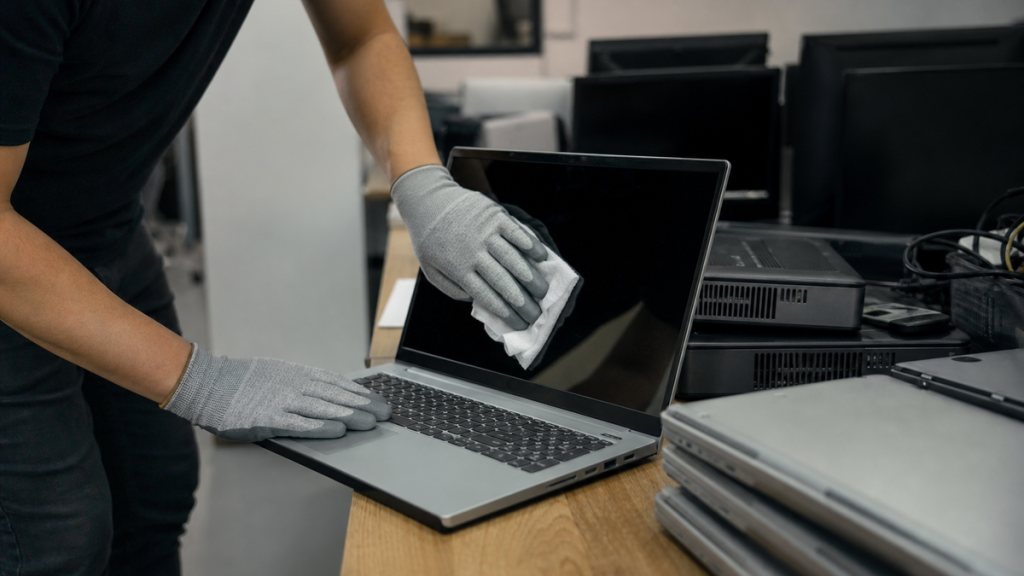
Donating or recycling an old computer without properly wiping it first is one of the fastest ways to hand over passwords, tax records, client files, and proprietary business data to a stranger. Whether you are a Denton law firm upgrading workstations, a veterinary clinic replacing front-desk PCs, or a local municipality refreshing its fleet, knowing how to wipe a computer completely is a basic security responsibility.
This guide explains the built-in reset processes for Windows and Mac systems, the extra steps that make a wipe truly secure, and where Denton businesses can take devices once they are clean. The Local Circuit, a Denton-based managed IT provider with over 15 years of experience serving small businesses and local agencies, put this together to help organizations protect data even at the end of a machine’s life.
Key Takeaways
- Windows devices can be factory reset through built-in recovery settings before donation or recycling, with an optional deeper clean that overwrites the drive.
- Mac computers require a separate built-in wipe process using macOS Recovery or Erase All Content and Settings, depending on the model year and operating system.
- A major consumer authority recommends using the built-in reset process to wipe personal data before giving away or recycling any computer.
- Denton offers an official municipal recycling drop-off at the City of Denton Home Chemical Collection on South Mayhill Road for computers and small electronics.
Why Wiping Matters Before Donation or Recycling
Old hard drives retain recoverable data long after someone hits delete or drags files to the trash. When a Denton business donates a PC to a school, recycles it through a city program, or hands it down to an employee, anything left on the drive becomes accessible to the next person who powers it on.
For businesses that handle client records, financial data, or protected health information, an incomplete wipe can turn into a compliance incident, a breach notification, and reputational damage that outlasts the hardware itself. The Local Circuit has helped Denton-area law firms, doctors offices, and first responder agencies retire equipment securely, and the first rule is always the same: verify the wipe before the machine leaves your control.
Even solid-state drives, which handle data differently than traditional spinning hard drives, can leave fragments of information behind if the reset process is skipped or interrupted. A proper wipe is not just good practice; it is the minimum due diligence that every business owes to its clients and its own operational security.
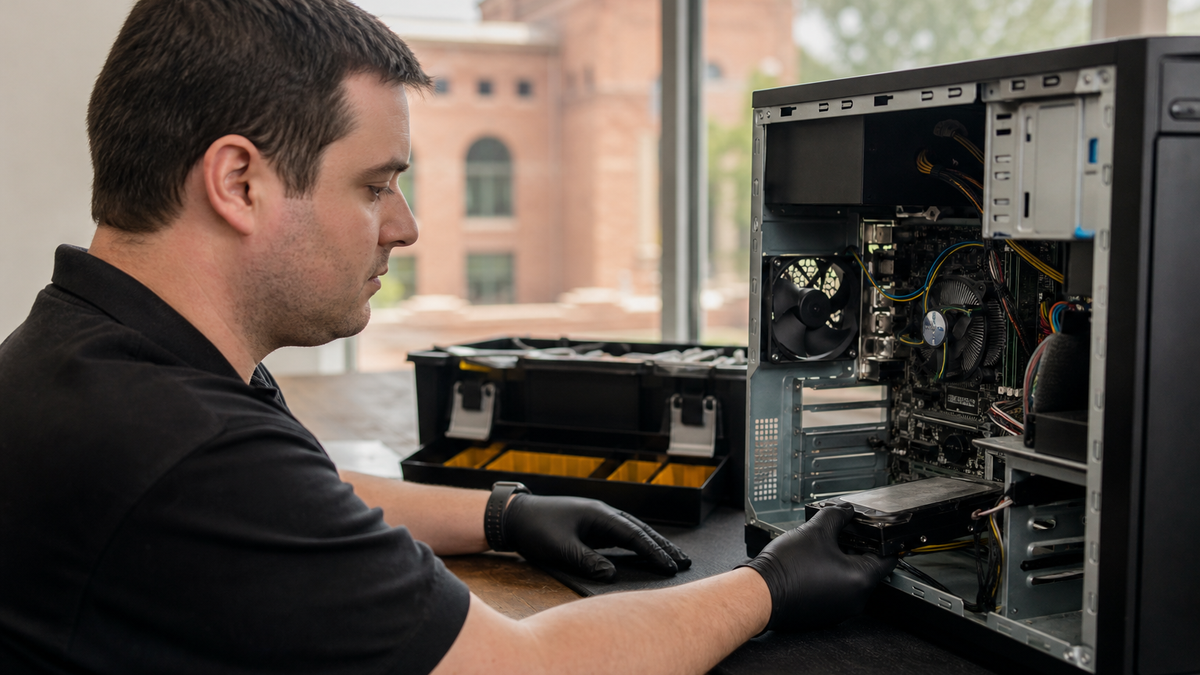
Computer Wipe Checklist for Denton Businesses
- ✓Back up any files you need to keep: Complete before starting any wipe process
- ✓Sign out of all accounts and unenroll from MDM: Prevents ghost entries and licensing issues
- ✓Windows: Settings > System/Update & Security > Recovery > Reset PC > Remove everything: Built-in factory reset path for Windows devices
- ✓Enable Clean data or Remove files and clean the drive: More secure overwrite option during Windows reset
- ✓Mac with Apple silicon or T2: Use Erase All Content and Settings: Simplified wipe for newer Mac systems
- ✓Older Mac: Use macOS Recovery (Command-R) and Disk Utility: Standard erase and reinstall for Intel-based Macs
- ✓Remove secondary drives, SD cards, and external storage: Prevents overlooked data locations
- ✓Document serial number, date, method, and technician: Supports compliance and audit requirements
- ✓Verify wipe completion before device leaves your control: Final check that no business data remains accessible
- ✓Drop off at City of Denton Home Chemical Collection, 1527 S. Mayhill Road, Building 300: Official municipal recycling for computers and small electronics
Based on guidance from Microsoft, Apple, Consumer Reports, and City of Denton resources.
How to Wipe a Computer Running Windows
Windows devices can be factory reset through built-in recovery settings before donation or recycling. Microsoft provides this path: open Settings, navigate to System (or Update & Security on older versions), select Recovery, choose Reset PC, and then select Remove everything.
This process reinstalls Windows and removes personal files, but the standard option may not fully overwrite the data underneath. For a more secure wipe, enable the Clean data or Remove files and clean the drive option during reset.
Microsoft makes this deeper clean available specifically to reduce the chance that someone could recover information from the drive later.
The thorough erase takes longer, sometimes several hours on a large mechanical hard drive, but it is worth the wait for any machine that stored sensitive business records. Plan the wipe for an overnight or weekend window so the process can finish without interruption.
After the reset completes, Windows will prompt you through initial setup screens as if the machine were new. Stop there.
The device is now ready for its next owner, and no business data should remain accessible.
How to Wipe a Computer Running macOS
Mac computers require a separate built-in wipe process before donation or recycling. Apple offers two main approaches depending on the age of the system and the version of macOS installed.
For Macs running macOS Monterey or later with Apple silicon or a T2 security chip, the simplest path is Erase All Content and Settings. This works much like an iPhone reset and removes all user data, settings, and installed applications while leaving the operating system intact for the next user.
Older Macs or systems without that feature must use macOS Recovery. Restart the Mac while holding Command and R, then use Disk Utility to erase the internal drive, followed by reinstalling macOS from the recovery environment.
Apple documents both methods in its support resources, and the recovery approach has been the standard for Intel-based Macs for many years.
As with Windows, allow time for the full process. Reinstalling macOS after an erase can take an hour or more depending on internet speed and hardware generation.
Do not power off the machine mid-process, as that can leave the system in an unbootable state that complicates donation or resale.

Extra Steps for Business-Owned Devices
Built-in resets handle the operating system and primary storage, but business computers often have additional data locations that need attention. Check for secondary internal drives, SD cards left in readers, and any external storage that was routinely connected.
If the machine was joined to a company domain or managed through a mobile device management platform, remove it from those systems before wiping. The Local Circuit provides mobile device management services to Denton-area businesses, and unenrolling a device before disposal prevents ghost entries and licensing confusion down the road.
For businesses under regulatory requirements, document the wipe. Record the machine serial number, the date of reset, the method used, and who performed the work.
This audit trail supports compliance and provides evidence if questions arise later about how a retired device was handled.
Where to Recycle or Donate in Denton
Once a computer is wiped, the next question is where to take it. Denton has an official municipal recycling option for computers and small electronics at the City of Denton Home Chemical Collection, 1527 S.
Mayhill Road, Building 300. City of Denton operates this facility to keep hazardous and electronic waste out of landfills.
Call ahead to confirm hours and any volume limits before loading up a fleet of retired workstations. The facility is designed for residential and small-business drop-offs, but policies can change seasonally.
If a device will not power on or the built-in reset fails, local repair support may help get it functional enough to wipe. CPR Cell Phone Repair at 2219 S Loop 288, Denton, TX 76205 offers services that can be relevant if a device needs help before wiping or recycling.
If a computer is damaged before you get the chance to wipe it, our guide on Dropped Your Laptop In Denton can help you assess whether the machine can be recovered or needs secure disposal instead.
CPR Cell Phone Repair works on computers as well as phones, and a working machine is always easier to sanitize than a dead one.
The Local Circuit, located at 606 N. Bell Ave, Denton, TX, also assists Denton businesses with end-of-life IT planning, including secure data destruction and coordinated hardware recycling.
Our team includes Matt F., Owner and Chief Techie, Trent J., Senior Systems Technician, Alvaro Z., Systems Technician, Hunter R., Systems Technician, and John G., Infrastructure. We handle every project in-house with an all-Texas team, so you have a familiar face managing the process from assessment to final disposal.
When to Call a Managed IT Partner
Wiping a single home computer is straightforward. Wiping fifteen workstations, three servers, and a rack of backup drives while maintaining compliance documentation is not.
Denton businesses facing fleet refreshes or office moves often need more than a checklist; they need a coordinated plan that keeps operations running and data protected at every step.
The Local Circuit has operated out of Denton, TX since 2010, serving businesses across Denton, Frisco, Plano, Carrollton, Aubrey, Lewisville, Decatur, Sanger, Prosper, Ponder, Gainesville, Whitesboro, and McKinney. We are CJIS Certified, an InfraGard Member, and Aggie Owned & Operated.
Our flat per-user pricing means you know your cost before work starts, not after.
We offer data backup and recovery services, compliance consulting, and managed IT infrastructure support that includes secure hardware retirement. For businesses that want the same team that planned their network to also handle its end-of-life, we stay on as a managed IT partner after installation.
If your business needs ongoing guidance beyond a one-time wipe, a Computer Consultant Denton TX: Managed IT & Support partnership can keep your technology secure from setup through retirement.
For businesses that need ongoing help beyond a single wipe, Computer Service Denton TX covers everything from routine maintenance to full managed IT support.
Every project includes clear documentation handed over at close, and we provide simple month-to-month agreements with no long-term contract and lifetime network hardware replacement at no cost.
If your Denton business is preparing to donate, recycle, or replace computers this quarter, call The Local Circuit at (940) 484-8999. We will map your current equipment, identify what needs wiping versus what needs physical destruction, and produce a written scope of work that you approve before any data leaves your control.
Frequently Asked Questions
Is the standard Windows reset enough to protect my business data?
The standard reset removes files and reinstalls Windows, but it may not fully overwrite the underlying data. For business computers, always select the Clean data or Remove files and clean the drive option, which takes longer but makes recovery far less likely.
How long does a secure wipe take on a typical business computer?
A standard reset might finish in under an hour, but a full clean-data wipe on a large mechanical drive can run several hours. Plan for an overnight or weekend window, and do not interrupt the process once it starts.
What if my old Mac will not boot into recovery mode?
If macOS Recovery does not launch with Command-R, try Option-Command-R or Shift-Option-Command-R for different recovery behaviors. If the machine still will not boot, a local repair shop may be able to get it functional enough to wipe, or you may need physical destruction for the drive.
Do I need to document the wipe for compliance purposes?
Yes, if your business falls under regulations like HIPAA, CJIS, or other data-protection frameworks, document the device serial number, wipe date, method used, and technician name. This audit trail supports compliance and demonstrates due diligence.
Can The Local Circuit handle a full fleet refresh for my Denton office?
Yes. The Local Circuit provides managed IT services including secure data destruction, hardware retirement, and coordinated recycling for businesses across Denton and surrounding cities.
We produce a written scope of work before any work begins, and our flat per-user pricing keeps costs predictable.
Where can I drop off wiped computers for recycling in Denton?
The City of Denton Home Chemical Collection at 1527 S. Mayhill Road, Building 300 accepts computers and small electronics.
Call ahead to confirm current hours and any volume restrictions before bringing multiple devices.
Sources

About the author
Matt Forman - Owner & Chief Techie
Matt Forman is the Owner and Chief Techie at Local Circuit, a Denton, Texas-based managed service provider he leads in delivering small-business technology management and security. For over 15 years, his team has worked alongside small businesses, local municipalities, law firms, and first-responder agencies as their trusted IT partner.