

Old computers pile up in every Denton office eventually. Knowing how to dispose of a computer the right way keeps your business data out of the wrong hands and keeps you on the right side of Texas environmental rules.
This guide walks through what actually works for data destruction, what Texas law says about businesse-waste, and how to handle the whole process without creating new risks for your company.
Key Takeaways
- A simple format or file deletion does not remove data from hard drives; proper sanitization requires clearing, purging, or physical destruction methods.
- NIST SP 800-88 Revision 2 provides current federal guidance for media sanitization, with three approved methods matched to your risk level.
- Texas does not categorically prohibit businesses from disposing of all computer equipment in municipal waste streams; requirements depend on waste classification and generator status.
- A documented disposal process with internal accountability reduces the chance that a retired machine walks out the door with recoverable client or employee data still on it.
Why Computer Disposal Matters for Denton Businesses
Every retired workstation, laptop, and server in your office contains a hard drive or solid-state drive that held business records, client files, employee information, or financial data. Even machines you think were wiped clean can still yield recoverable information to someone with the right tools and motivation.
For Denton businesses in regulated industries like healthcare, legal, or financial services, improper disposal can trigger notification requirements, regulatory scrutiny, and reputational damage that lasts far longer than the hardware itself.
The risk is not theoretical. Data recovery from improperly sanitized drives remains a common source of exposed records in breach reports, and the cost of even a small exposure event typically runs into thousands of dollars for response, notification, and remediation.
Business Computer Disposal Checklist
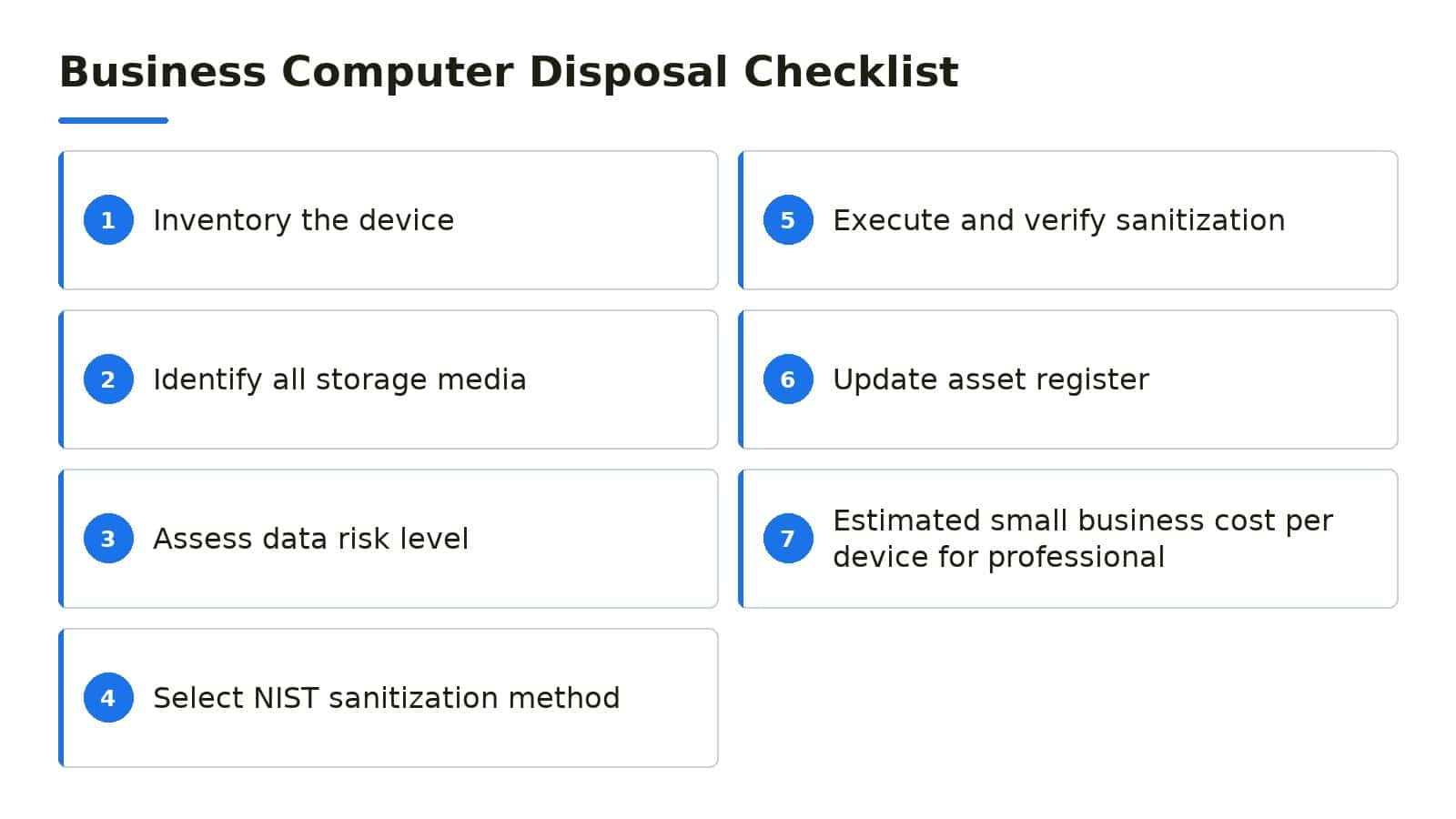
- ✓Inventory the device: Record asset tag, serial number, device type, and assigned user
- ✓Identify all storage media: Check for main drives, secondary drives, and embedded storage in printers or copiers
- ✓Assess data risk level: Classify sensitivity of data stored and determine next destination of hardware
- ✓Select NIST sanitization method: Choose clearing, purging, or destruction based on risk assessment
- ✓Execute and verify sanitization: Run software with logging, or obtain certificate for physical destruction
- ✓Update asset register: Mark device as disposed, attach documentation, and note responsible party
- ✓Estimated small business cost per device for professional sanitization: $15, $50
Costs vary by volume, media type, and service level. Contact a local provider for project-specific pricing.
What NIST Says About Data Sanitization Methods
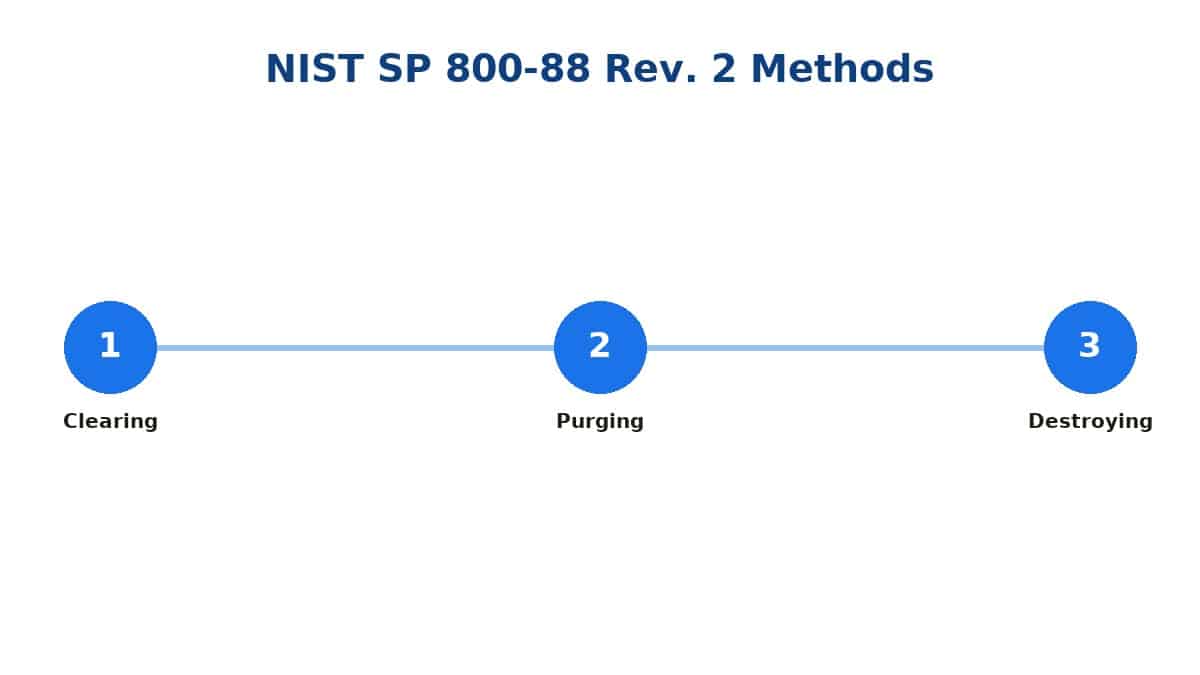
The National Institute of Standards and Technology publishes the authoritative guidance that most security professionals and regulators reference for media sanitization. NIST SP 800-88 Revision 2, published September 26, 2025, defines three methods: clearing, purging, and destroying.
Clearing uses software or hardware techniques to overwrite data so that standard laboratory techniques cannot recover it. This is appropriate for lower-risk situations where the media will remain within your organization or go to a trusted party with established controls.
Purging applies stronger techniques, typically involving cryptographic erasure or block overwrite patterns designed to resist more advanced recovery attempts. Purging is the right choice when media leaves your direct control but you do not need to destroy the physical device.
Destruction means physical demolition through shredding, crushing, or incineration. This is the appropriate endpoint for high-risk media, damaged drives, or any situation where the data classification and threat model justify eliminating any possibility of recovery.
Understanding Clearing, Purging, and Destroying
Clearing is the most accessible method for functioning drives. Software tools overwrite every addressable location with a defined pattern, then verify the write.
For magnetic hard drives, a single overwrite pass with verification typically suffices for clearing under current guidance.
Purging steps up the assurance level. Cryptographic erasure, where you destroy the encryption key for a self-encrypting drive, qualifies as purging when properly implemented.
Multiple overwrite passes with specific patterns also meet purging requirements for magnetic media.
Destruction is final. Shredding drives into fragments small enough to prevent reconstruction, crushing platters and chips, or incinerating media all qualify.
The method you choose should match the size and material of the device; a desktop hard drive and a smartphone solid-state chip need different destruction approaches.
Your choice among these three methods should flow from a risk assessment that considers the data sensitivity, the media type, who will handle the device next, and whether you need the hardware itself to retain any value.

Texas Environmental Rules for Business E-Waste
Texas does not categorically prohibit businesses from disposing of all computer equipment in municipal waste streams; requirements depend on waste classification and generator status. The Texas Commission on Environmental Quality provides guidance on how businesses should evaluate their waste.
Businesses must determine whether their discarded electronics qualify as hazardous waste under state and federal rules. This depends on the specific components, the quantities involved, and whether the waste exhibits hazardous characteristics like toxicity.
The TCEQ website notes that households may legally place used electronics in regular trash in many cases, but businesses operate under different standards and should conduct proper waste determinations. When in doubt, working with an established electronics recycler is the safer compliance path.
Local options in the Denton area include retailer take-back programs, manufacturer recycling initiatives, and specialized electronics recyclers. Verify that any recycler you use can document their chain of custody and data handling procedures, not just their environmental compliance.
Building an Internal Disposal Checklist for Your Office
A consistent internal process prevents the common failure mode where a machine gets set aside, forgotten, and eventually given away or discarded without proper sanitization. Your checklist should start with inventory: record the device type, asset tag, serial number, and the person responsible for it.
Next, identify all storage media in the device. Desktops and laptops usually have one main drive, but some workstations have multiple drives, and printers or copiers may have internal storage that holds document images.
Document every storage component.
Apply the appropriate NIST method based on your risk assessment. For most Denton small businesses, clearing or purging suffices for functional drives that will be reused or resold.
Destruction is the right call for failed drives, end-of-life media, or any device holding the most sensitive categories of data.
Verify the sanitization. Software tools should generate a certificate or log showing completion.
For physical destruction, photograph the destroyed media and obtain a receipt or certificate from the destruction service. File these with your asset records.
Finally, update your asset register to show the device as disposed, note the method used, and record the date and responsible party. This documentation becomes your evidence if any question arises later about how specific devices were handled.
When to Bring in a Local IT Partner for Disposal Projects
Small and mid-size Denton businesses often lack the dedicated staff, specialized tools, or time to handle bulk computer disposal internally. A local IT partner can manage the inventory, perform certified data sanitization or destruction, and document every step for your records.
The Local Circuit has worked alongside Denton businesses for over 15 years, providing on-site, remote, and in-house support at a fraction of the cost of full-time IT staff. Our team handles physical hardware management, help desk support, network security, and cloud productivity services including Microsoft 365.
We are CJIS Certified, an InfraGard Member, and Aggie Owned & Operated. Our flat per-user pricing means you know your cost before work starts, with simple month-to-month agreements and no long-term contract.
We also offer lifetime network hardware replacement at no cost for managed clients.
For disposal projects, we can assess your retired equipment, apply the appropriate NIST SP 800-88 Revision 2 method, verify completion, and provide the documentation you need for compliance and peace of mind. The same Denton-based team that plans your network can handle the secure retirement of the hardware that runs on it.

Frequently Asked Questions
Does deleting files or reformatting a drive actually remove the data?
No. Basic deletion and standard reformatting typically remove only the directory pointers that locate files, not the underlying data itself.
Recovery tools can often reconstruct those files until the storage sectors are overwritten by new data. Proper sanitization requires clearing, purging, or destruction methods as defined in current NIST guidance.
How do I choose between clearing, purging, and destroying a drive?
Start with a risk assessment that considers what data the drive held, who might try to recover it, and where the drive goes next. Clearing works for lower-risk media staying within trusted hands.
Purging fits drives leaving your control that still have value. Destruction is appropriate for the highest-risk data or any drive you do not need to reuse.
Can Denton businesses throw old computers in the regular trash?
Texas does not apply a universal ban on all business computer disposal in municipal waste streams. Your obligations depend on waste classification and generator status, which vary by what you are discarding and in what quantities.
Most Denton businesses find it simpler and safer to use established electronics recyclers or work with an IT partner who handles compliant disposal.
What documentation should I keep after disposing of a computer?
Retain records showing the device identifier, the sanitization method applied, verification of completion, and the date and responsible party. For physical destruction, keep certificates or receipts from the destruction service.
These records support your internal accountability and demonstrate due diligence if questions arise later.
Do solid-state drives need different handling than traditional hard drives?
Yes. SSDs use different storage technology than magnetic hard drives, and some standard overwrite approaches that work for magnetic media may not reach all physical storage locations on an SSD due to how the controllers manage wear leveling and spare areas.
Current NIST guidance addresses these differences, and specialized tools or physical destruction may be appropriate for SSDs holding sensitive data.

About the author
Matt Forman - Owner & Chief Techie
Matt Forman is the Owner and Chief Techie at Local Circuit, a Denton, Texas-based managed service provider he leads in delivering small-business technology management and security. For over 15 years, his team has worked alongside small businesses, local municipalities, law firms, and first-responder agencies as their trusted IT partner.