
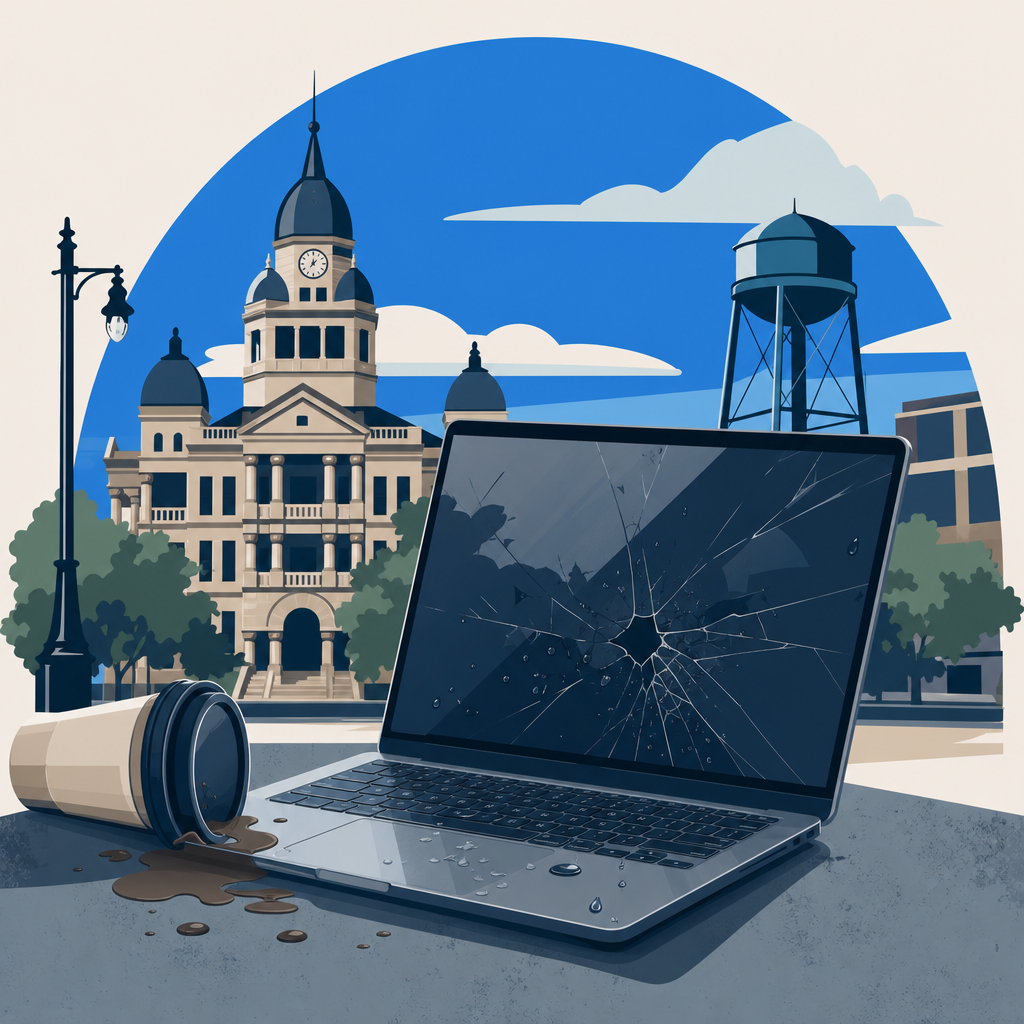
That sinking feeling hits the moment your laptop leaves your hands and meets the floor. Whether it slipped off a desk at UNT, bounced down a staircase in a campus bag, or tumbled off a coffee table at home, the next five minutes are the ones that determine whether you walk away with a working machine or a costly data loss scenario.
This guide walks you through every decision point after a drop, from the first visual check all the way to choosing a Denton repair shop, so you can protect both your hardware and your files without making the damage worse.
Key Takeaways
- Stop before you power on: a cracked chassis or broken port is a sign to bring the laptop to a professional before applying electricity to damaged components.
- Scraping, grinding, or clicking noises after a drop mean the hard drive head is in contact with the platter, and every second of use increases permanent data loss risk.
- A $25 to $35 USB-to-SATA adapter lets you pull files off a drive that still spins quietly, buying time before you decide whether to repair or replace.
- Denton has qualified local options for drop-off laptop repair and data recovery, including PC Geeks and The Local Circuit, so you do not need to ship your device out of state.
The Short Answer: What to Do the Moment You Drop Your Laptop
If your laptop shows major cracks, bent ports, or a shattered screen after a fall, do not press the power button. Powering on a structurally damaged machine can short internal components and turn a repairable hardware problem into permanent data loss.
If the shell looks intact, power on carefully, listen for unusual sounds, and watch for error messages before assuming everything is fine. The steps below spell out exactly what to look and listen for so you can make a fast, informed decision.

What to Do After You Drop Your Laptop: Decision Flowchart
Flowchart logic based on hardware triage best practices and local Denton, TX repair options including PC Geeks and The Local Circuit (thelocalcircuit.com, pcgeeksusa.com).
Step 1, Visual Inspection: Read the Exterior Before You Do Anything Else
Start by placing the laptop on a flat surface and inspecting every edge, corner, hinge, and port. Look for deep cracks in the lid or base, a screen that is spiderwebbed or has dark blotches, bent USB or charging ports, and any visible separation between the chassis halves.
These are not cosmetic issues you can ignore for a few days. A cracked chassis can press against the motherboard, and a bent port can arc against internal traces the moment you apply power.
If you see any of these, skip straight to the professional diagnosis step below.
Step 2, The Power-On Check and Sound Test
If the exterior looks clean, press the power button and immediately shift your attention to the sounds the machine makes during startup. A healthy spinning hard drive is nearly silent; any scraping, grinding, clicking, or buzzing that was not there before the drop is a red flag that demands action.
Those sounds mean the read and write heads inside a traditional hard drive may have contacted the magnetic platter. Every additional read or write operation risks scoring the platter surface and destroying the data stored there.
Shut the machine down immediately and treat it as a data-recovery case, not a standard repair.

Step 3, Quiet Drive but Error Messages: The USB Adapter Rescue
Sometimes a dropped laptop powers on without unusual sounds but still throws disk errors, fails to load Windows or macOS, or freezes at the login screen. This pattern often means the drive received a minor mechanical shock that damaged file system structures without destroying the platters.
In this situation, a $25 to $35 USB-to-SATA or USB-to-NVMe adapter is your fastest friend. Remove the drive, connect it to a second computer via the adapter, and copy your most critical files before you bring the laptop in for repair.
That one step separates your data fate from your hardware fate.
Step 4, Repair or Replace: Making the Cost-Effective Call in Denton
A professional diagnostic is the only reliable way to price the repair, and several Denton shops offer this service at a flat fee before you commit to anything. PC Geeks in Denton provides drop-off laptop repair with affordable diagnostics so owners can decide between repair and replacement with real numbers in hand, not guesses.
The general rule of thumb is that repair costs exceeding 50 percent of the laptop’s current resale value push toward replacement rather than repair. For a three-year-old mid-range laptop worth around $400, a $250 motherboard swap is borderline; a $90 screen replacement is an easy yes.
Denton Repair and Data Recovery Options Worth Knowing
PC Geeks operates a Denton, TX location where customers can drop off laptops for diagnosis and hardware repair, with a 30-day labor guarantee and 90-day parts guarantee on completed work. They cover Mac and PC platforms and handle data recovery alongside standard hardware repairs.
The Local Circuit, located at 210 S. Elm St. in downtown Denton, has provided computer repair and managed IT services to the area for over 22 years, with certified technicians who handle laptop repair, data recovery, and hardware diagnostics
. For severe drive failures or cases involving unusual noises, their team can assess whether in-shop recovery is feasible or whether a specialist lab is the right next step .
How to Prevent Data Loss Before the Next Drop
The single most effective insurance policy against a dropped-laptop disaster is an automated cloud backup running in the background at all times. Services like Backblaze, Google Drive, or OneDrive can maintain a near-real-time copy of your documents, photos, and project files so that even a total hardware loss does not erase your data.
A USB-to-SATA adapter kit stored in your desk drawer costs about as much as two cups of coffee and pays for itself the first time you or a family member faces an error-message laptop. Pair that with a cloud backup and you are covered against almost every post-drop scenario short of a full platter failure.
When the Drive Is Beyond DIY: Cleanroom Data Recovery
If your laptop hard drive is making grinding or clicking noises, no software tool and no USB adapter can help you, because the damage is mechanical and at the head or platter level. Attempting to read the drive in that state usually deepens the score marks on the platter and reduces the area a professional can recover from.
Professional data recovery labs work inside ISO-certified cleanrooms where airborne particles cannot settle onto exposed platters during the repair. Recovery success rates at reputable labs regularly exceed 90 percent when users do not attempt DIY access first, making early restraint the highest-value decision you can make after a bad drop.
Frequently Asked Questions
Should I turn my laptop on after dropping it?
Only if there is no visible cracking, bent ports, or screen damage. If the exterior looks intact, power on carefully and listen for grinding, scraping, or clicking sounds before proceeding.
What does a clicking or grinding noise mean after I dropped my laptop?
Clicking or grinding from a traditional hard drive after a fall almost always indicates that the read and write heads have made contact with the magnetic platter. Shut the machine down immediately and take it to a data recovery specialist in Denton rather than continuing to use it.
Can I recover my files myself after dropping my laptop?
If the drive is quiet but throwing errors, yes, a USB-to-SATA adapter (around $25 to $35) lets you connect the drive to another computer and copy files before repair. If the drive is making abnormal sounds, stop all access attempts and consult a professional, because further use reduces the recoverable area on the platter.
How much does laptop repair cost in Denton, TX?
Common repairs in the Denton area range from around $90 for a screen replacement to $200 or more for data recovery, depending on the severity of the damage. Hardware repairs such as motherboard work can run $300 or higher, which is why a professional diagnostic first helps you decide whether repair or replacement makes more financial sense.
Which Denton shops handle dropped-laptop repairs?
PC Geeks in Denton offers drop-off laptop repair and diagnostics for both Mac and PC, with a 30-day labor and 90-day parts guarantee. The Local Circuit at 210 S.
Elm St. in downtown Denton also handles laptop repair and data recovery, and has served the area for over 22 years with certified technicians .
What if my laptop has an SSD instead of a hard drive?
SSDs have no moving parts, so you will not hear the grinding or clicking noises associated with hard drive head crashes. However, the controller or NAND chips can still be damaged by physical impact, and a failed SSD often shows no warning sounds at all before going completely unresponsive.
If your SSD-equipped laptop fails to boot after a drop, take it to a professional rather than attempting repeated power cycles, which can overwrite the controller’s error logs needed for recovery.
For a deeper look at how we protect your files before and after hardware failures, our Data Backup And Recovery service outlines the safeguards and tools we use to keep your data intact.
For more on this, see our guide to I dropped my laptop.
If the drop also damaged your computer’s main circuit board, our guide on computer repair covers three reliable ways to diagnose a dying motherboard before you commit to a full replacement.

About the author
Matt Forman - Owner & Chief Techie
Matt Forman is the Owner and Chief Techie at Local Circuit, a Denton, Texas-based managed service provider he leads in delivering small-business technology management and security. For over 15 years, his team has worked alongside small businesses, local municipalities, law firms, and first-responder agencies as their trusted IT partner.