
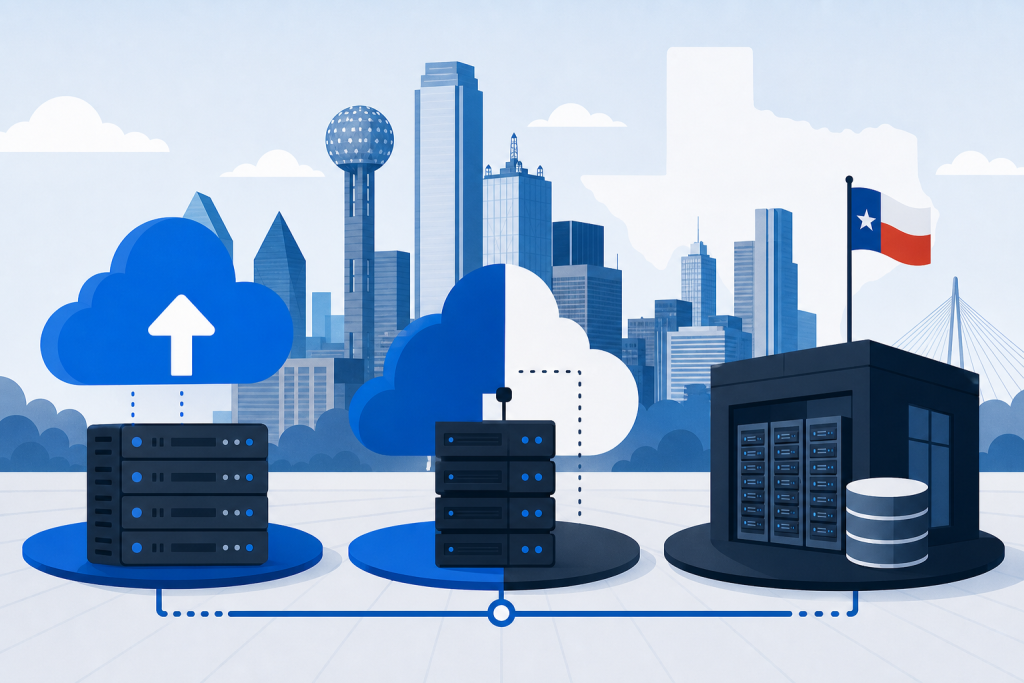
A single ransomware hit or a burst pipe during a Dallas ice storm can wipe out years of customer records, financial files, and operational data in under an hour. Texas businesses that survive those events have one thing in common: a documented backup strategy that was already running before disaster arrived.
TLC works with Dallas and DFW organizations to design backup architectures that balance cloud, on-premise, and hybrid storage against real recovery objectives. This guide explains how each model performs in Texas conditions and how to decide which mix fits your risk profile and budget.
Key Takeaways
- Hybrid backup is the recommended baseline for most Dallas businesses, combining fast local restore with offsite cloud durability for ransomware and weather events.
- Apply the 3-2-1-1-0 rule: three copies on two media, one offsite, one immutable, zero unverified backups.
- Define RTO and RPO per workload before you pick a tool; mission-critical systems typically need RPO of 15 minutes to 1 hour and RTO of 1 to 4 hours.
- Untested backups are theories, not protection, so test full restores at least twice a year and quarterly for tier-one systems.
Why Dallas Businesses Need a Documented Backup Strategy
The Dallas-Fort Worth metroplex sits in a corridor that regularly sees tornadoes, hail, flash flooding, and ice events that can take out power and damage physical sites. The February 2021 winter storm caused widespread infrastructure damage across Texas and proved that any plan tied to a single Dallas address is one event away from extended downtime.
Weather is only half the picture, and ransomware crews now target backup systems first because encrypting the recovery copy is the most reliable way to force a payment. FEMA data indicates that roughly 40 to 43 percent of small businesses never reopen after a major disaster, and most of that gap traces back to inadequate backup and recovery preparation.
A documented backup architecture maps every workload to a specific storage tier, schedule, and recovery objective. When the on-call tech is unreachable at 2 a.m., the runbook still tells the next person what to restore, in what order, and to which target.
Compliance pressure is the third driver for Dallas businesses. HIPAA, PCI-DSS, CMMC, and SOC 2 all require documented backup procedures with tested restores, and Texas cyber insurers increasingly demand the same evidence before renewing policies.
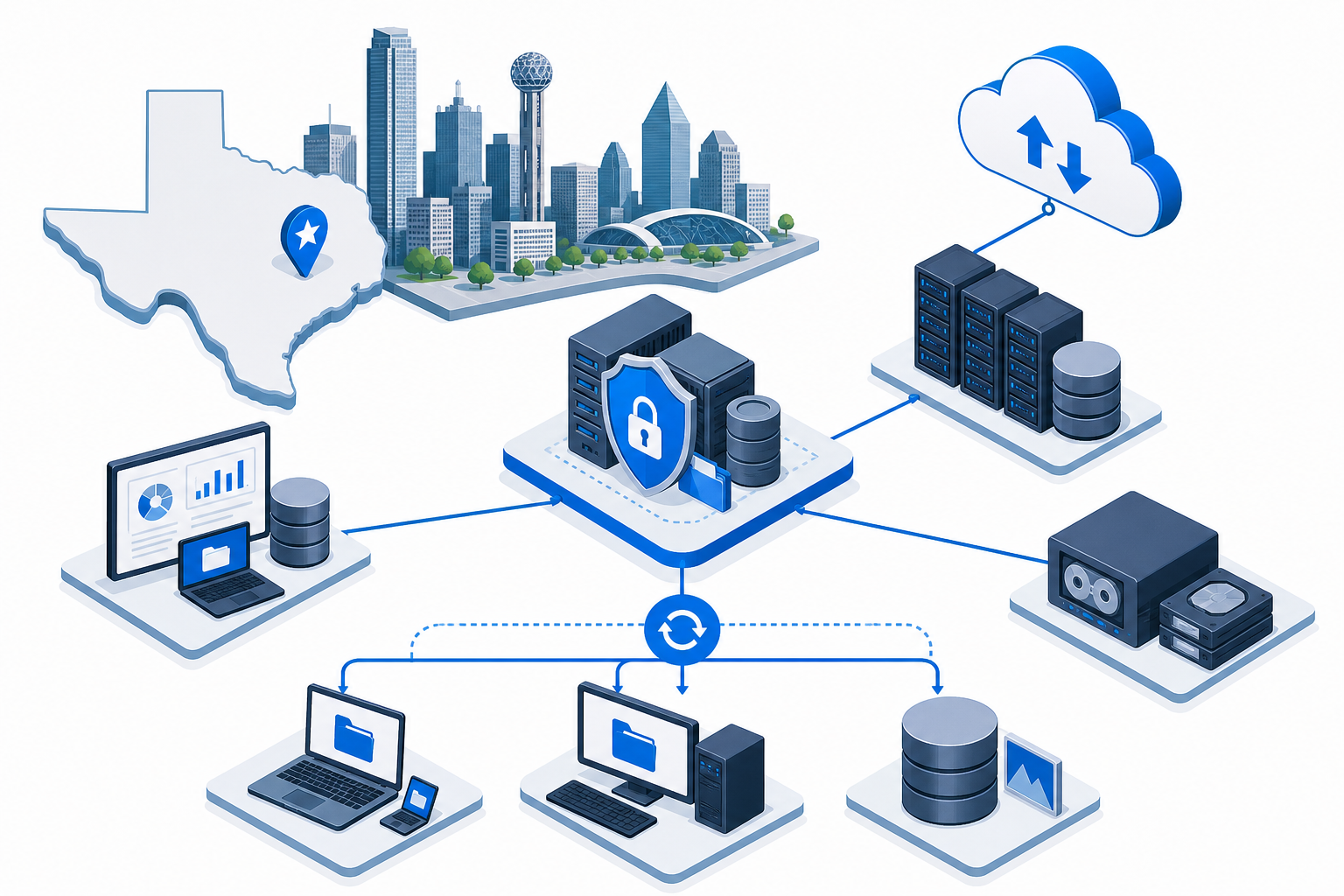
Dallas Business Backup and Disaster Recovery Readiness Checklist
- ✓Documented backup strategy covering cloud, on-premise, and hybrid workloads – Yes / No
- ✓Automated, scheduled backups for all critical servers, workstations, and SaaS apps – Yes / No
- ✓Encrypted, offsite or cloud-based copies following the 3-2-1 rule – Yes / No
- ✓Immutable, ransomware-resistant backup copies (WORM or air-gapped) in place – Yes / No
- ✓Defined Recovery Time Objective (RTO) for each critical system – Target in hours (e.g., 1, 4, 8, 24)
- ✓Defined Recovery Point Objective (RPO) for mission-critical data – Target (e.g., 15 min, 1 hr, 4 hr)
- ✓Geographically redundant copy stored outside the DFW region – Yes / No
- ✓Full DR plan tested at least annually (semi-annually preferred) – Last full DR test date
- ✓Backup admin credentials isolated from production domain admin accounts – Yes / No
- ✓Monthly backup success and restore verification report reviewed by leadership – Yes / No
Framework aligned to the 3-2-1-1-0 rule, NIST SP 800-184, and CISA Stop Ransomware guidance.
Cloud Backup: Strengths and Limits for Texas SMBs
Cloud backup pushes data to a provider’s geographically separated data centers, often well outside the DFW region. That separation is the headline benefit for any Texas business that wants protection from regional weather, grid events, and physical site loss.
Cloud copies also support immutability through object lock or WORM (write once, read many) features, which prevent ransomware from encrypting the backup even if domain admin credentials are stolen. Most Dallas MSPs now treat an immutable cloud tier as the floor, not the ceiling, for ransomware resilience.
The trade-off is recovery speed and bandwidth cost. Restoring multiple terabytes over a commercial internet link can take hours or even days, and large seed loads sometimes require physical media shipped to or from the provider.
Cloud is also the right home for SaaS data like Microsoft 365 and Google Workspace, which the platforms themselves do not back up in the way most owners expect. A dedicated SaaS backup catches accidental deletions, retention gaps, malicious insiders, and ransomware that the native recycle bin will not.
On-Premise Backup: When Local Recovery Wins
On-premise backup keeps copies on a local appliance, NAS, or dedicated backup server inside your Dallas office or colocation rack. The main advantage is restore speed for routine incidents like an accidental file deletion, a corrupted database, or a single failed server.
For tier-one workloads with RTO targets under one hour, a local appliance is usually the only realistic way to hit that number. A 4 TB virtual machine simply will not come back over the public internet in 30 minutes, regardless of how fast your cloud provider streams data.
The downside is that an on-premise-only design has no real answer for a site loss event. If the building floods, the server room burns, or ransomware spreads to the appliance, your recovery copy is gone with the production data.
On-premise also carries hidden operational cost. Someone has to manage the hardware, swap failed drives, monitor backup jobs, and rotate media if tape is in the mix, and those tasks rarely show up in the initial budget conversation.

Hybrid Backup: The Best Fit for Most Dallas Workloads
Hybrid backup combines a fast local appliance with an offsite cloud target, giving you both quick restores and geographic redundancy. Most Dallas SMBs end up here because the model delivers the lowest practical RTO and RPO without the cost of a fully replicated DR site.
A typical hybrid design takes backups every 15 to 60 minutes to the local device, then mirrors those jobs to an immutable cloud repository on a slower schedule. Day-to-day recoveries pull from the local appliance, while the cloud copy is reserved for ransomware events and full site loss.
Hybrid also fits common compliance frameworks cleanly. HIPAA, PCI-DSS, CMMC, and SOC 2 all expect encrypted offsite copies and tested restores, and a hybrid setup gives auditors a single, documented answer to both requirements.
The model scales for mixed environments. A Plano accounting firm with a Sage server on-prem, a Microsoft 365 tenant in the cloud, and a few line-of-business apps in Azure can protect all three from the same console under one retention policy and one set of RTO targets.
RTO and RPO: Setting Targets That Match the Business
Recovery Time Objective (RTO) is the maximum acceptable downtime for a system, while Recovery Point Objective (RPO) is the maximum acceptable data loss measured in time. You must pick both numbers per workload before you can choose a tool, schedule, or storage tier.
Realistic targets vary by tier. A line-of-business ERP might need a 1 hour RTO and a 15 minute RPO, while an archived file share can usually live with a 24 hour RTO and a 24 hour RPO without anyone noticing.
Tighter numbers cost more in storage, bandwidth, and licensing. Driving RPO from 24 hours to 15 minutes means moving from nightly jobs to continuous data protection, and that change ripples through every layer of the backup stack.
Run the math with leadership, not just IT. A four-hour outage might be a minor inconvenience for a marketing team and a six-figure event for a high-volume e-commerce checkout, and the RTO budget should reflect that gap in real dollars.
The 3-2-1-1-0 Rule and Ransomware-Resistant Backups
The classic 3-2-1 rule calls for three copies of data on two different media types with at least one copy stored offsite. Modern ransomware made that baseline insufficient because attackers now hunt the backup repository before they encrypt production systems.
The updated 3-2-1-1-0 rule adds two requirements: one immutable or air-gapped copy, and zero errors during verified restores. Immutability uses WORM or object lock storage, so even a compromised admin account cannot delete the backup before the retention window expires.
Pair the storage architecture with isolated backup credentials and a separate management network. Attackers who phish a domain admin should still be one major control away from the recovery tier.
Retention windows also need a hard look. Threat actors often dwell quietly in a network for 60 to 90 days before triggering encryption, so a 14-day backup retention is no longer enough for many Dallas businesses.
Texas Weather Resilience and Geographic Redundancy
Texas weather is its own threat category, with severe thunderstorms, tornadoes, flooding, hail, and the occasional ice event all capable of damaging data centers or cutting power for days. The 2021 winter storm and the 2023 ice storm both left DFW businesses offline well beyond what they had planned for.
Geographic redundancy means at least one copy of your data lives outside the DFW region, ideally in a different power and weather zone. Common patterns include cloud regions in Central US, East US, or a secondary site in Houston or Austin with a different grid feed.
The same separation helps with grid issues specific to Texas. ERCOT operates an independent power grid, and an event that strains the grid statewide can affect any data center inside the state, so your offsite tier should not depend on a single utility footprint.
Testing the Plan: How Dallas Teams Verify Recovery
A backup that has never been restored is a theory, not a control. Full restore tests prove that the job runs, the data is intact, and the application actually returns to a usable state for the people who depend on it.
The right cadence is at least twice per year for the full plan, with tier-one systems tested quarterly. Each test should include timing the restore against your documented RTO and confirming the data delta against your RPO target.
Document every test, including manual fixes and unexpected errors. The next disaster is not the right time to discover that the runbook skipped a database service restart, missed a DNS update, or pointed to a stale license key.
Tabletop exercises complement live restores. Walking the team through a Friday afternoon ransomware scenario surfaces decision gaps, vendor contacts, and communication steps that the technical playbook does not capture on its own.
How TLC Builds Backup Plans for Dallas Clients
TLC starts every Dallas backup engagement with a short business impact analysis (BIA) that ranks workloads by revenue impact, regulatory exposure, and customer-facing dependency. Those rankings turn into the RTO and RPO targets that drive every architecture decision downstream.
From there we map each workload to a tier: hybrid for tier-one systems, dedicated SaaS backup for Microsoft 365 and Google Workspace, and a lighter cloud-only path for archives and low-change file shares. The result is a documented plan that anyone on the team can execute, not a vendor catalog.
Monitoring, alerting, and quarterly restore tests run in the background once the architecture is in place. Clients get a monthly report showing backup success rates, restore test results, and any drift against the documented RTO and RPO targets.
Frequently Asked Questions
What is the best backup approach for a small Dallas business?
For most Dallas SMBs, hybrid backup hits the right balance between speed and resilience. A local appliance handles fast restores for accidental deletions and single-server failures, while an immutable cloud copy outside the DFW region protects against ransomware, fire, and regional weather events.
How often should we test our disaster recovery plan?
Run a full DR test at least twice per year, with tier-one systems verified quarterly. Each test should measure actual recovery time against your documented RTO and produce a written report that lists any failures and the fixes applied before the next cycle.
Is cloud backup enough on its own?
Cloud-only backup works for SaaS data and small file-based workloads where recovery speed is not critical. For servers and databases with RTO targets under a few hours, you also need a local restore tier, because pulling terabytes back over the public internet is rarely fast enough to meet aggressive recovery goals.
What RTO and RPO should we target for mission-critical systems?
Most mission-critical workloads land between a 1 to 4 hour RTO and a 15 minute to 1 hour RPO. The right numbers depend on the cost of downtime and data loss for your specific business, so the targets should be set by leadership with input from IT, not chosen from a vendor template.
How do immutable backups protect against ransomware?
Immutable backups use write once, read many (WORM) storage that cannot be modified or deleted until the retention period expires. Even if attackers steal domain admin credentials and reach the backup server, they cannot encrypt or destroy the immutable copy, which gives you a clean restore point to recover from.
Do we still need third-party backup if we use Microsoft 365?
Yes. Microsoft protects its own infrastructure under a shared responsibility model, but your data inside the tenant is your responsibility, and accidental deletion, retention gaps, ransomware in synced folders, and malicious insiders can all destroy M365 content without a third-party backup in place.